
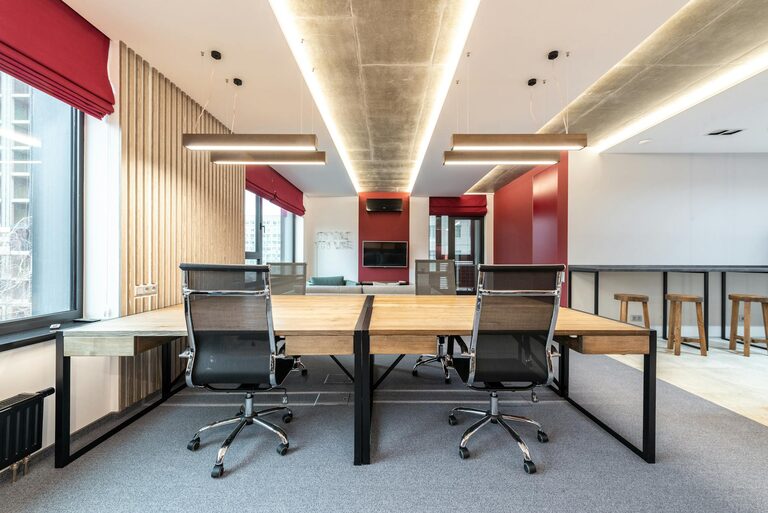
Refreshing your workspace doesn’t have to be a time-consuming task. In just ten minutes, you can create a more organized, inspiring, and comfortable environment that helps boost your focus and productivity. Whether you work from home or in an office, a quick workspace refresh can make all the difference. Here’s a simple guide to help you revitalize your area without rearranging your entire office.
Why Refresh Your Workspace?
A cluttered or dull workspace can affect your mood and efficiency. Taking a few minutes to tidy up, add some life, or adjust your setup can:
– Reduce distractions
– Improve focus and creativity
– Increase comfort and well-being
– Give you a sense of accomplishment
Now, let’s dive into easy strategies you can implement within ten minutes.
Step 1: Clear Your Desk Surface (3 minutes)
A clean desk sets the foundation for a productive day.
– Remove everything from your desk.
– Sort items into categories: essentials, non-essentials, and trash.
– Put away items that belong elsewhere.
– Wipe down your desk surface with a microfiber cloth or gentle cleaner.
– Return only the essential items to your desk, such as your laptop, a notebook, and a pen.
This process helps eliminate unnecessary clutter and gives you a fresh start.
Step 2: Organize Your Essentials (2 minutes)
Once your desk is clear, arrange the necessary items efficiently:
– Use desk organizers, trays, or small containers to keep items like pens, paper clips, and sticky notes tidy.
– Position your computer or laptop at eye level to improve posture.
– Ensure frequently used items are within easy reach.
A neat arrangement saves time and reduces frustration when locating tools.
Step 3: Add a Touch of Green (1 minute)
Bringing a bit of nature indoors can improve air quality and brighten your workspace.
– Place a small indoor plant or succulent on your desk or nearby shelf.
– If you don’t have a plant, consider using a photo or decoration that inspires calm.
Even a small green element can refresh your environment instantly.
Step 4: Adjust Lighting and Seating (2 minutes)
Lighting and seating affect comfort and energy levels.
– Open blinds or curtains to let in natural light if possible.
– Adjust your desk lamp for adequate, soft lighting to reduce eye strain.
– Check your chair height and back support; make small adjustments for better posture.
These simple changes can significantly enhance your workspace comfort.
Step 5: Personalize Your Space (1 minute)
Adding personality makes your workspace more inviting.
– Display a favorite photo, artwork, or motivational quote.
– Swap out a dull mousepad for one with color or pattern.
– Use colorful stationery or accessories that make you smile.
Personal touches can make your workspace feel uniquely yours.
Bonus Tip: Play Some Background Music
If your environment allows, putting on light instrumental or ambient music can improve concentration and create a pleasant atmosphere. Keep the volume low for minimal distraction.
Maintaining Your Refreshed Workspace
After your quick refresh, keep your space tidy by:
– Spending a few minutes each day clearing clutter.
– Regularly wiping surfaces.
– Reviewing your setup every week or two to make small improvements.
Consistency is key to benefiting from a refreshed workspace over time.
—
Refreshing your workspace in just ten minutes is achievable and worthwhile. By decluttering, organizing, introducing natural elements, adjusting lighting, and adding personal touches, you create a space that supports your work and mood. Try this quick routine regularly to stay motivated and productive!